Bundle Types
Bundle types are managed at Bundles → Bundle Types (admin only). A type sets the template that every bundle of that type follows.
Settings
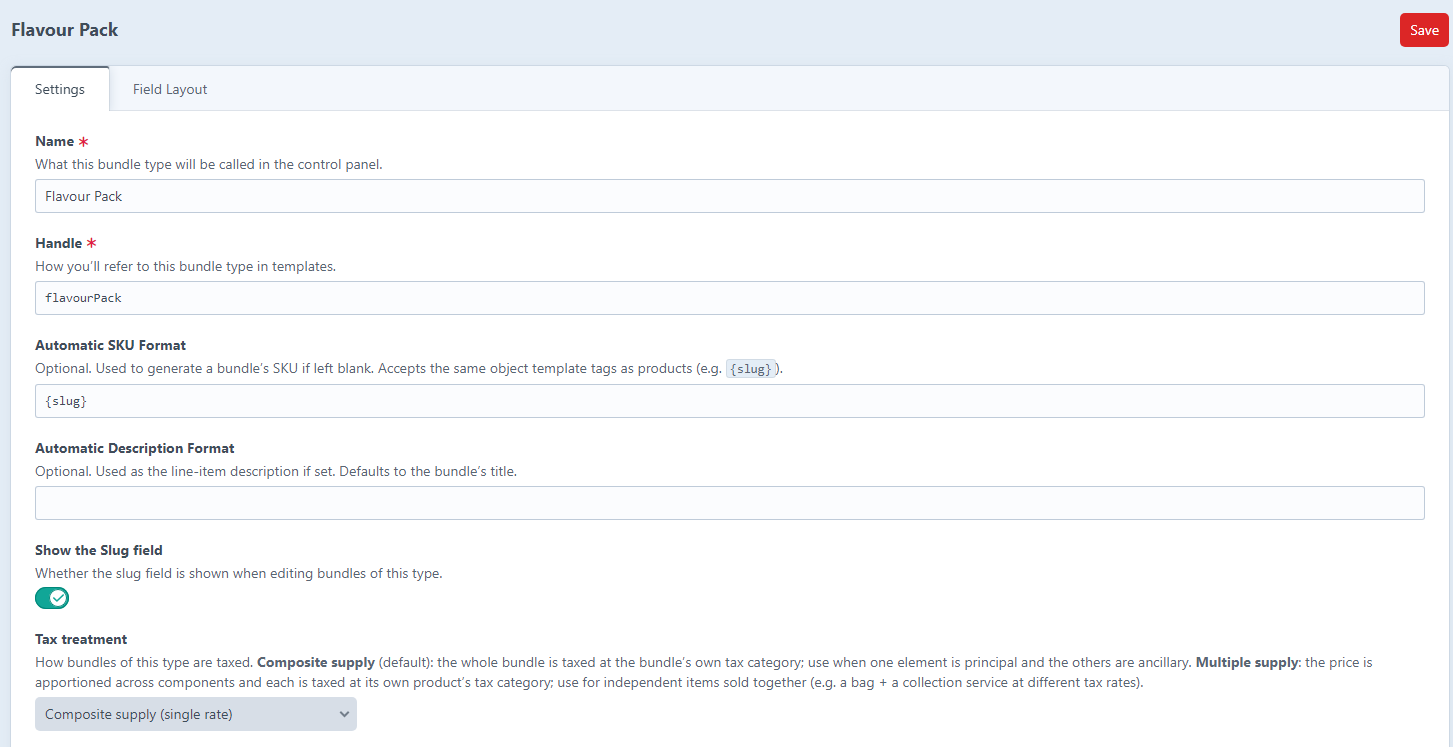
| Setting | Description |
|---|---|
| Name / Handle | The type's CP name and its template reference. |
| Automatic SKU Format |
Object template used to generate a bundle's SKU when the SKU field is left blank, e.g. {slug}. If unset, the SKU falls back to the bundle's slug. |
| Automatic Description Format | Optional line-item description format. Defaults to the bundle's title. |
| Show the Slug field | Whether the slug field is shown in the bundle editor. |
| Tax treatment | Composite (single rate) or Multiple (apportion tax per component). See Tax Treatment. |
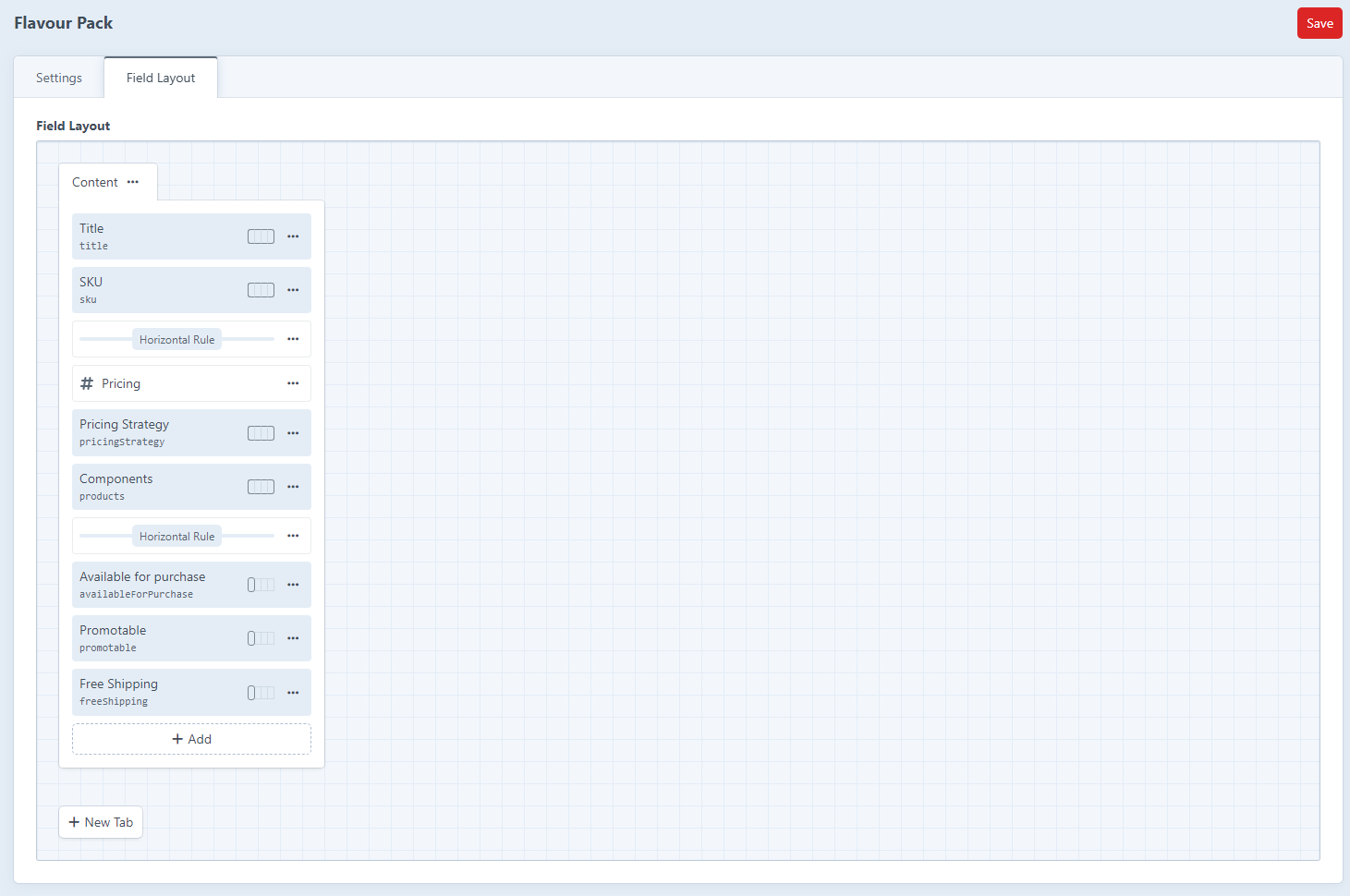
Field Layout
Each bundle type has a field layout with mandatory native fields (Title, SKU, Pricing and Components) plus optional Available for purchase, Promotable and Free shipping toggles you can drag in, along with any custom fields you want to add.
Site Settings
Per site, decide whether bundles of the type get URLs:
- Bundle URI Format: e.g.
bundles/{slug}(leave blank for no front-end URL). - Template: the Twig template that renders the bundle.
- Default Status: whether new bundles are enabled by default in that site.
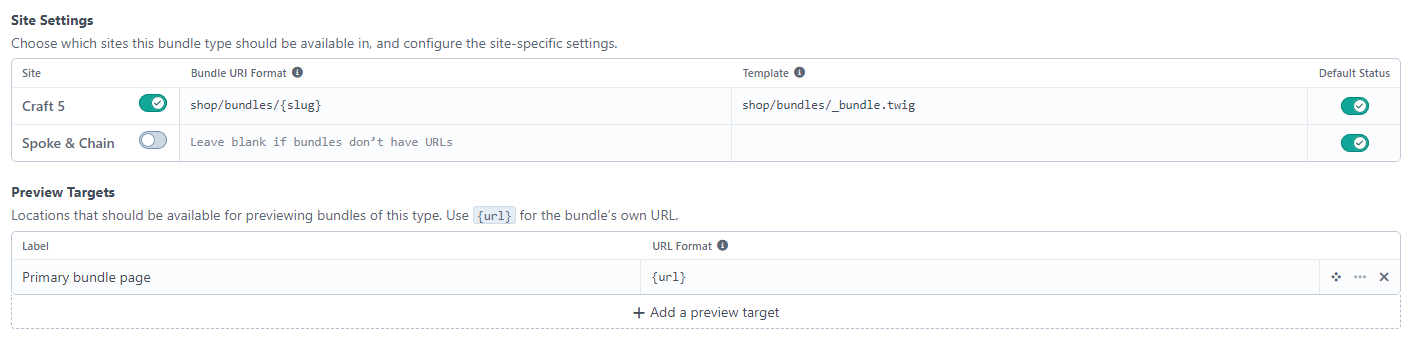
Preview Targets
Set up one or more preview targets (label + URL format, defaulting to {url}) to power the editor's live Preview button.