FieldType
The Pricing Rules Relationship field type lets you associate Commerce pricing rules with your entries, so managing and displaying pricing information within your content is that bit easier.
Create a new field and choose Pricing Rules Relationship as the Field Type. Name it whatever suits you, then add it to your desired Entry Type.
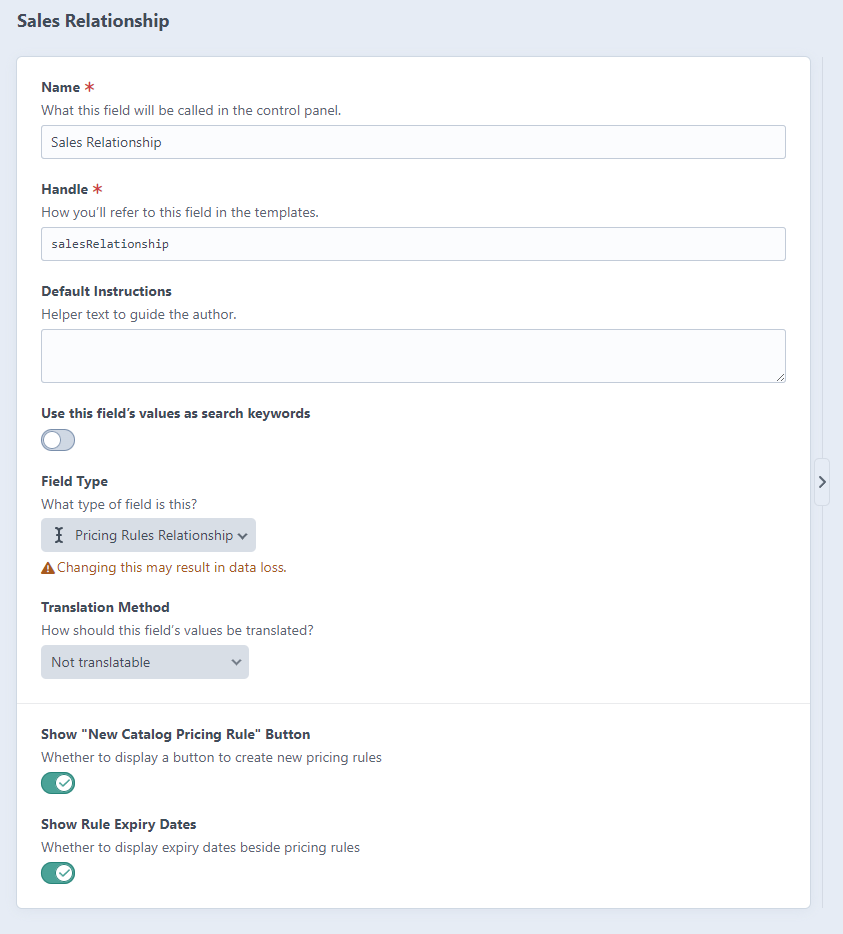
Field Settings
The field has three settings: the empty-state text shown when a store has no active pricing rules, and two switches for the "New Catalog Pricing Rule" button and the rule expiry dates.
Show "New Catalog Pricing Rule" Button
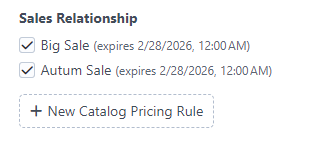
When "Show New Catalog Pricing Rule Button" is turned on in the field settings, content editors will see a "New Catalog Pricing Rule" button below the field that takes them straight to the Commerce Pricing Rules page.
Show Rule Expiry Dates
When "Show Rule Expiry Dates" is turned on in the field settings, content editors will see the expiry date, if there is one, next to the related pricing rule.
